
Wearable Data and Personal Training: Put Your Watch to Work
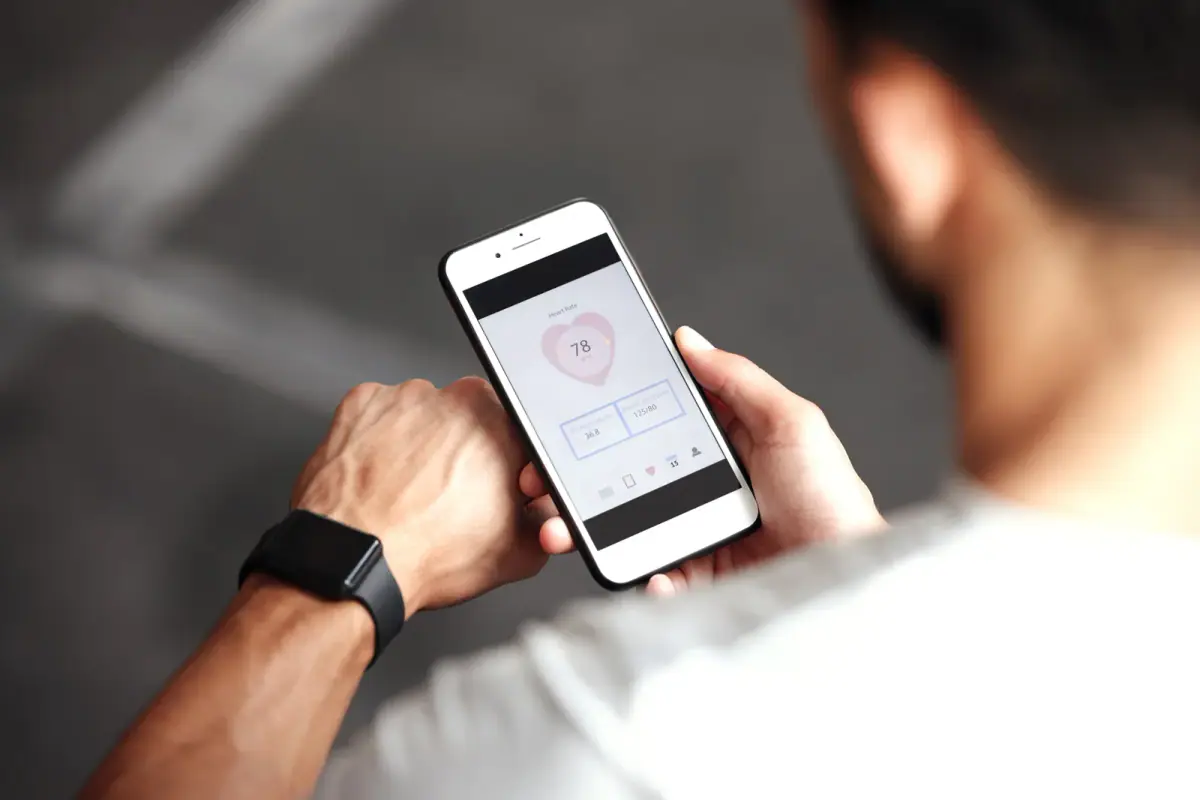
Your smartwatch is a genuinely useful training tool, but it is a sensor, not a strategy. Wearable data makes personal training sharper when a coach turns your trends in sleep, resting heart rate, and daily movement into programming decisions; on its own, the watch only tells you what already happened. The gap between logging data and acting on it is exactly where coaching earns its keep.
Here is how to put the thing on your wrist to work, and what to stop expecting from it.
What your watch is genuinely good at
Wearables excel at trends, consistency, and the hours between workouts. The 23 hours a day you are not training decide most of your results, and that is precisely the window your watch can see and your coach otherwise cannot. Its strongest use cases:
- Daily movement. Step counts are imperfect, but a week that averages 3,500 steps looks nothing like a week that averages 9,000, and the difference shows up in fat-loss math. Plenty of Carmel clients close their rings on the Monon, which draws well over a million users a year across the metro for good reason.
- Sleep duration. Sleep staging is shaky on wrist devices, but total time asleep is reasonably reliable, and it is one of the biggest levers on recovery and appetite.
- Resting heart rate trends. A resting heart rate that drifts down over months is a classic sign your conditioning is improving. A sudden spike often flags poor sleep, stress, or oncoming illness.
- Workout logging. Duration, heart rate during cardio, and route data are solid enough to program against.
Notice the pattern: everything on that list is a trend measured over weeks. That is the honest strength of wearables, and it is real.
What the watch cannot see
No wearable can measure the things that actually drive a strength program: load on the bar, movement quality, proximity to failure, or body composition. Your watch has no idea whether your squat depth improved, whether your left hip shifts under load, or whether the eight pounds you lost were fat or muscle. Calorie-burn numbers are the weakest output of all, weak enough that they deserve their own separate discussion.
That is why a coached program pairs the watch with measurements built for the job. At FlexWerk, every client starts with a free consultation that includes a free InBody body-composition scan, so muscle mass and body fat get tracked directly instead of inferred from a wrist. The watch covers your days; the scan covers your body; the coach covers the decisions.
How a coach actually uses your data
A good trainer treats wearable data as context for adjusting the plan, not as a report card. Concrete examples of what that looks like in practice:
- Your sleep trend drops from seven hours to five and a half during a brutal work stretch, so your coach pulls volume back for a week instead of letting you grind into a wall.
- Your resting heart rate has fallen six beats over three months, so your conditioning blocks get harder because the data says you have adapted.
- Your step count craters on work-from-home days, a real pattern in Hamilton County where roughly a quarter of the workforce now works remotely, so your coach builds a daily movement floor into the plan rather than adding another gym session.
- Your recovery metrics look strong before a scheduled heavy week, so the heavy week stays heavy.
None of those calls comes from the watch. They come from a human reading the watch alongside your training log, your InBody trend, and what you said when you walked in. If you want the deeper story on the measurement side, the InBody scan explained covers what a proper baseline changes.
The trends worth watching, in order
If you only glance at your watch weekly, prioritize these four numbers. First, average sleep duration, because it moves everything else. Second, average daily steps, because it quietly sets your calorie expenditure floor. Third, resting heart rate trend, your simplest fitness gauge. Fourth, if your device reports it, heart rate variability, which reflects recovery status; it is a nuanced metric, and what HRV actually tells you is worth understanding before you let it dictate your mood.
What you can safely ignore: single-day readiness scores treated as gospel, calorie-burn totals used to earn food (how accurate smartwatch calorie burn really is explains why that habit backfires), and any metric that makes you skip a session you were perfectly capable of doing. Data serves the plan, never the reverse.
Bring the data, keep the perspective
The best version of wearable-supported training looks like this: you wear the watch, live your life, and spend zero mental energy interpreting it, because interpreting it is your coach’s job. In a private suite session there are no crowds and no guesswork, just programmed work, and between sessions your trends quietly tell your coach whether the plan needs to flex. Clients who train this way stop obsessing over daily numbers and start noticing quarterly ones, which are the only ones that matter.
If your watch has been collecting data for a year while your fitness stayed flat, the missing piece was never more data. Book a free consultation, bring the watch, get the InBody baseline, and let a coach turn all that logging into a plan that finally moves the numbers you care about.
Related questions
Do I need a smartwatch to work with a personal trainer?
No. A watch is a bonus, not a requirement. Coaches trained clients successfully for decades before wearables existed, and session performance plus a body-composition baseline tells them most of what they need.
Which wearable metrics matter most for training?
Trends in resting heart rate, sleep duration, and daily steps are the most useful because they track recovery and activity outside your sessions. Single-day readings and calorie estimates matter far less.
Should I share my watch data with my trainer?
Yes, if you have it. Even a quick weekly glance at sleep and step trends helps your coach adjust volume and intensity before a rough week turns into a rough month.